A local-first AI agent for Windows
Chat, live canvas, coding agents and voice in one app. Run models offline with Ollama, use a free cloud tier, or bring your own keys.
irm https://scorpi-atp.pages.dev/install.ps1 | iex
Scorpi-Setup.exe 2.4 MB
download
.\Scorpi-Setup.exe --quiet --no-desktop --startup
Public beta, version 1.0. Windows 10 and 11. No admin rights. Brings its own Python.
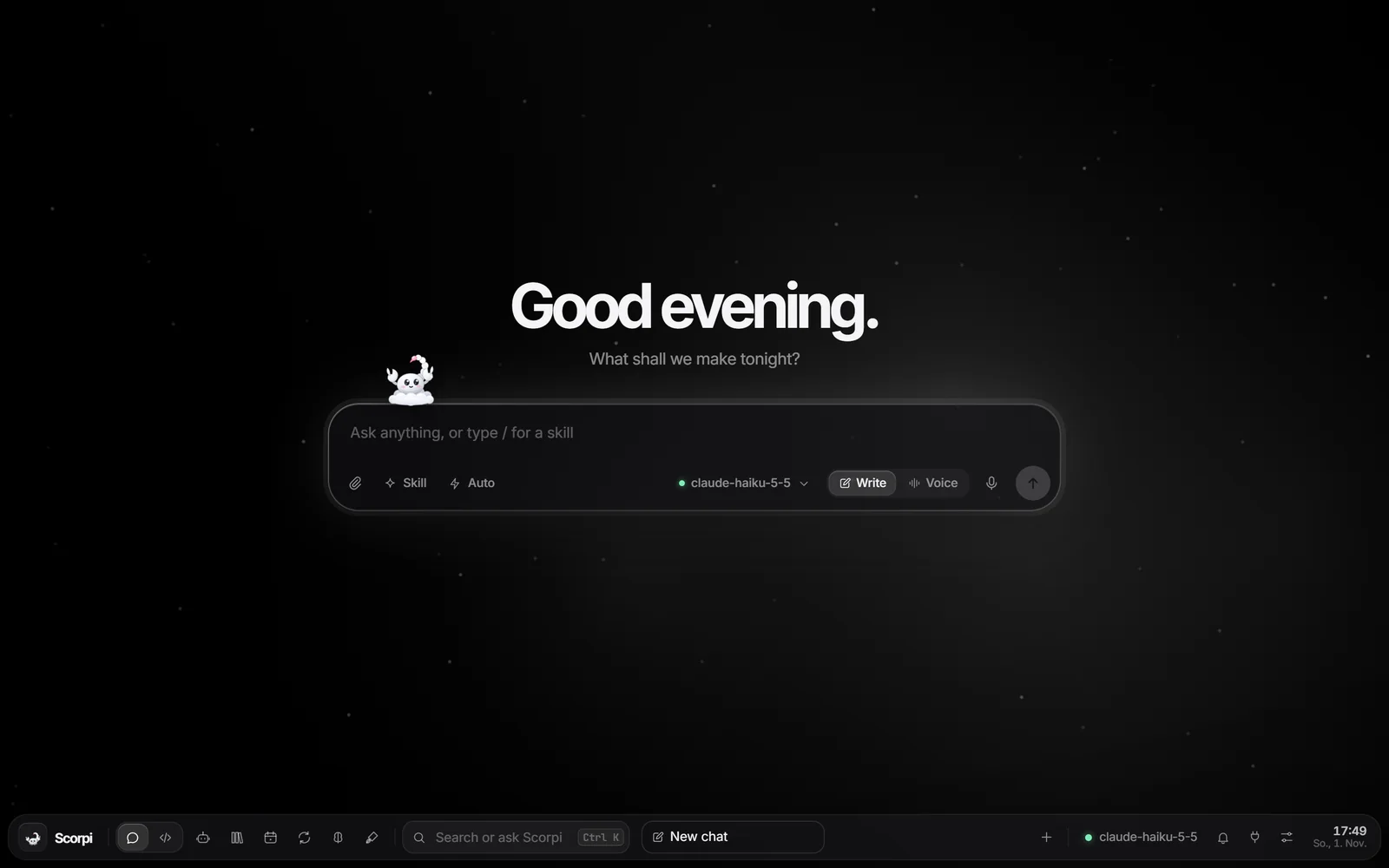
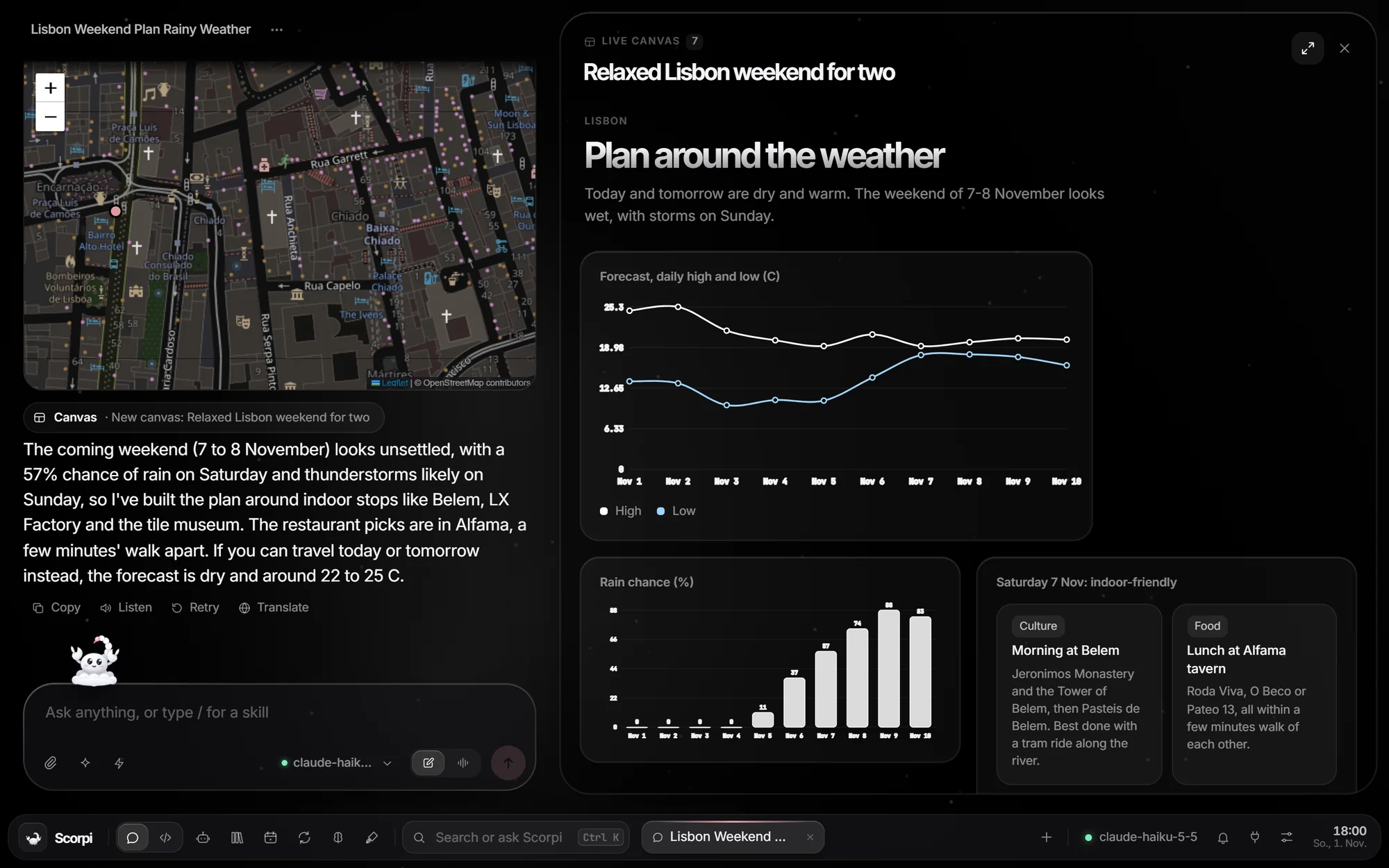
Fig 1. Prompt: plan a relaxed weekend in Lisbon for two. It pulled the forecast, saw rain on Saturday and planned indoor stops.
What is Scorpi?
A desktop AI agent that runs on your machine. The app, your chats and your keys stay on your PC; prompts go only to the model provider you choose.
- Live canvasAnswers come with charts, maps, tables and cards next to the chat.
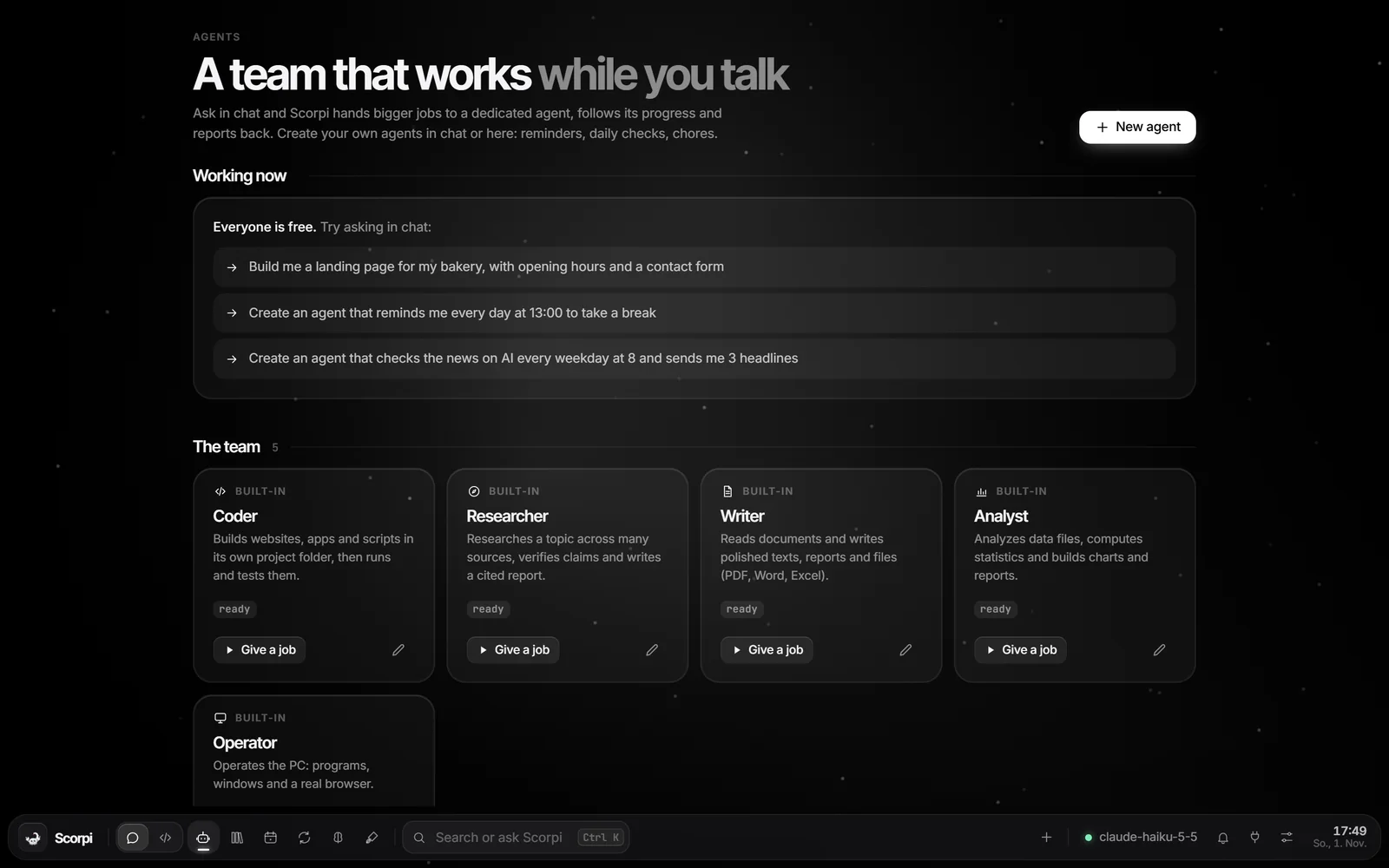
- AgentsCoder, Researcher, Writer, Analyst and Operator take bigger jobs in the background. Create your own from chat, with schedules.
- CodingThe Coder builds, runs and fixes projects in its own folder out of the box. Install the open-source OpenCode CLI and it switches to that engine automatically: precise edits, patches, code search, LSP.
- Any modelOllama, Groq, Gemini, OpenRouter, GitHub Models and more. Falls back to the next model when a free tier runs out.
- VoicePush to talk with local speech recognition. Interrupt it mid-sentence.
- DesktopHold Ctrl + Win over any window and ask about it. Scorpi sees what you mean.
- MCP and pluginsConnect MCP servers over stdio or HTTP. Plugins add panes, commands and hooks.
- PhoneOpen it on your phone over Wi-Fi or Tailscale. Your PC does the work; a pairing PIN locks it.
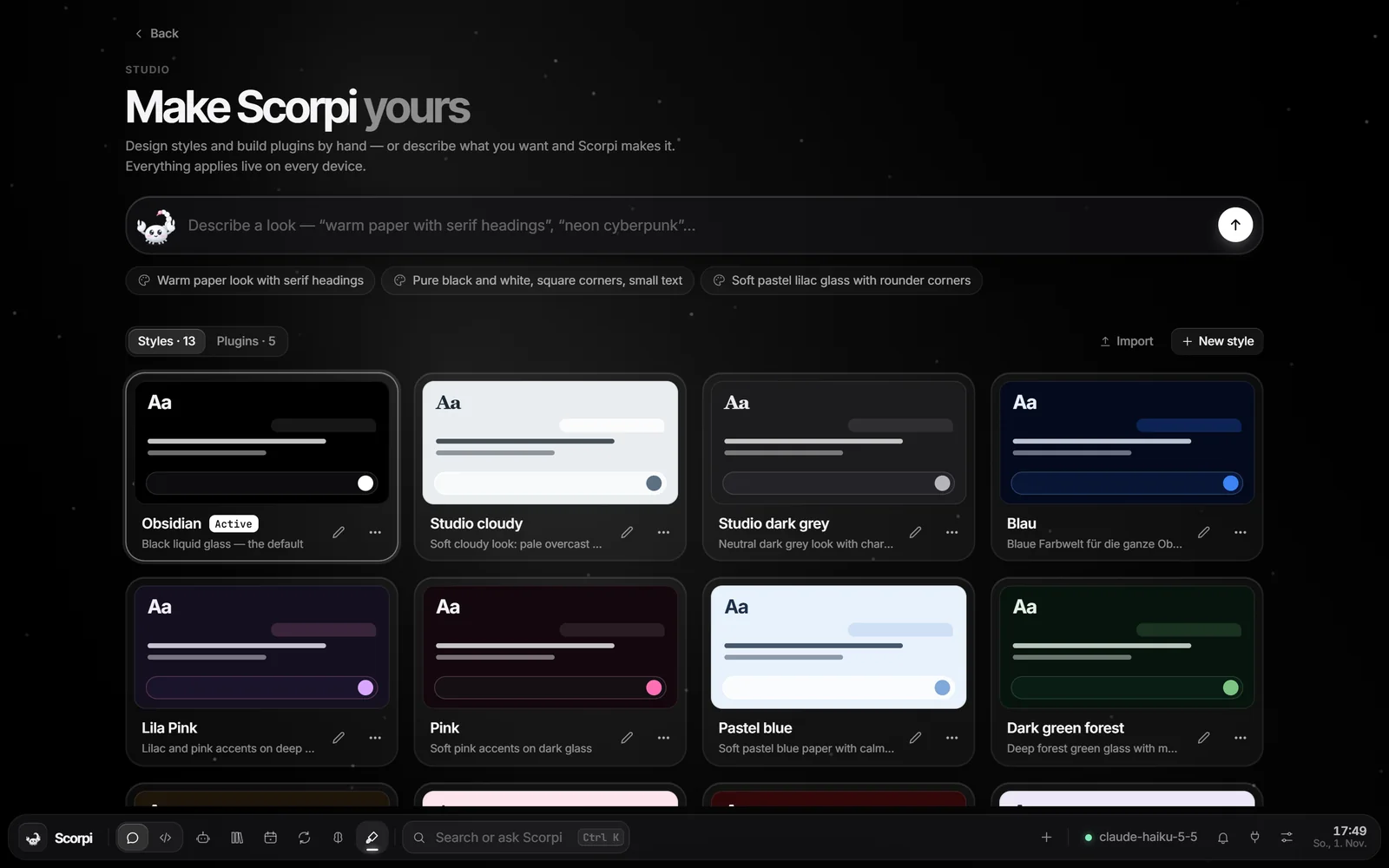
Screens
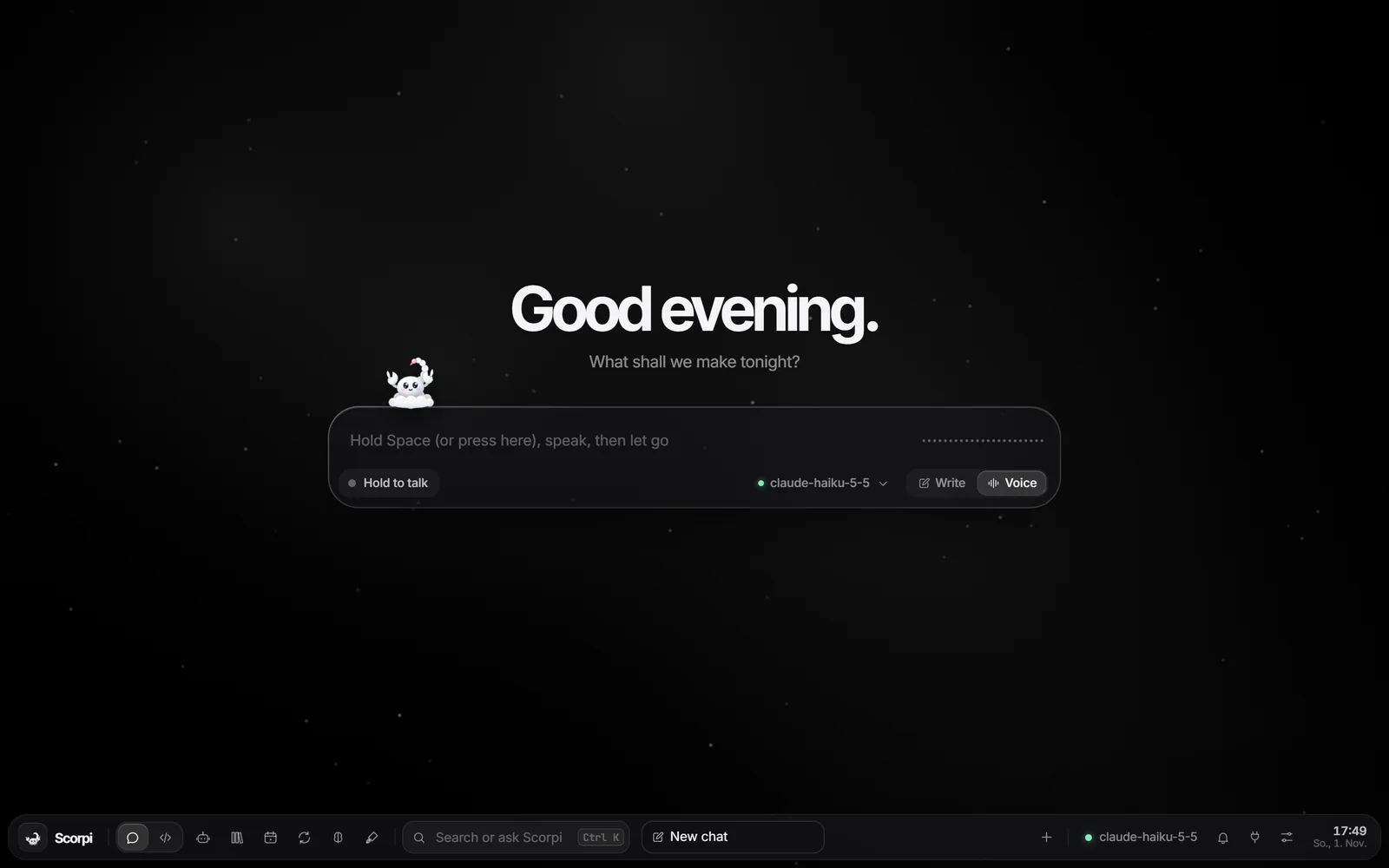
Under the hood
- Python backendRuns on the standard library alone. Optional packages unlock documents, charts, voice and computer use, installed one by one so one failure never blocks the rest.
- localhost:8000The UI is a web app served by your PC, in its own window or any browser.
- ProvidersAny OpenAI-compatible /chat/completions or Anthropic-style /messages endpoint, plus coding plans.
- PermissionsReading is allowed by default. Running code, controlling the PC, deleting and sending ask first. Set each tool to Allow, Ask or Off.
- Your dataChats, settings and keys live in Scorpi's data folder next to the app. Nothing is sent anywhere except the provider you pick.
Install
One 2.4 MB file. It downloads Python and the packages it needs, about 300 MB, into %LOCALAPPDATA%\Programs\Scorpi.
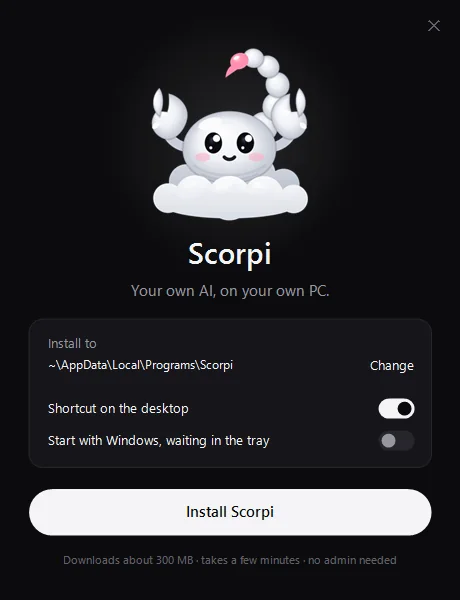 Choose folder and shortcuts
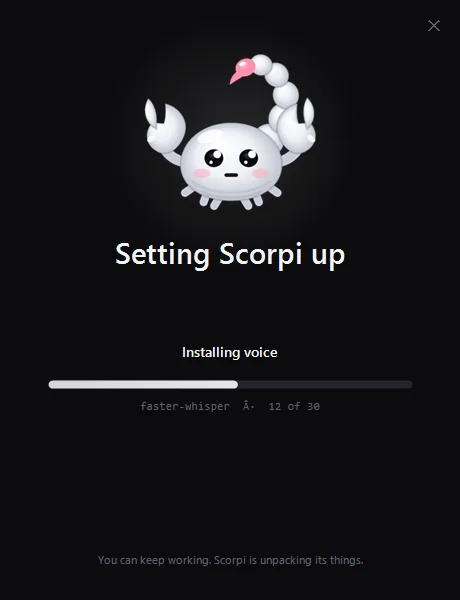 Packages install one by one
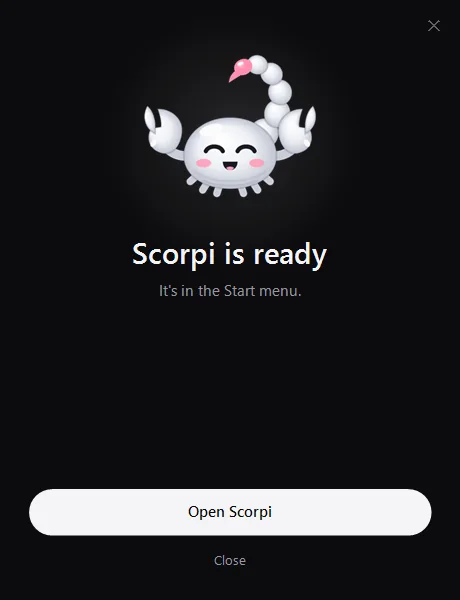 Open it, pick a model
| --quiet | Install without a window. |
|---|---|
| --dir <folder> | Install somewhere else. |
| --no-desktop | Skip the desktop shortcut. |
| --startup | Start with Windows, waiting in the tray. |
| --uninstall --quiet | Remove Scorpi without a window. Add --delete-data to remove chats and settings too. |
| exit code | 0 installed, 3 installed but an optional package failed, 1 failed. |
Beta build. Not code-signed yet. If SmartScreen says Windows protected your PC, choose More info, then Run anyway. The PowerShell install checks the SHA-256 and skips this prompt.
Feedback
Scorpi is in beta, and what you send here decides what gets fixed next. Bugs, ideas, things that confused you: every message is read.
FAQ
Is it free?
Yes. Scorpi is free, and it works with free models: local ones through Ollama or the free tiers of cloud providers. Voices, maps, weather and search use free services too. Paid keys are optional.
Do I need a GPU?
No. With a cloud model any Windows 10 or 11 PC works. A GPU only matters for running models offline.
Where do my chats and keys go?
They stay in Scorpi's data folder on your PC. Prompts go only to the provider you picked, or nowhere with a local model.
Can I use my own coding plan or endpoint?
Yes. Add any OpenAI-compatible or Anthropic-style endpoint with your key. Coding plans such as OpenCode Go work as a model provider, and with the OpenCode CLI installed the Coder uses them natively.
Do I need OpenCode for coding?
No. The Coder and the Code section work with Scorpi's own tools. For the full engine, install Node.js and run npm i -g @opencode/cli; Scorpi picks it up on its own. You can switch between Full and Basic under Connect.
Can it break things?
Anything that runs code, controls the PC, deletes or sends asks you first. You can set every tool to Allow, Ask or Off.
How do I uninstall it?
Settings, Apps, Scorpi, Uninstall, or Scorpi-Setup.exe --uninstall --quiet. You choose whether chats and settings stay.
How do I verify the download?
Compare Get-FileHash .\Scorpi-Setup.exe with the SHA-256 at the bottom of this page. The PowerShell install does this for you.